# DragonX Wallet - ImGui Edition
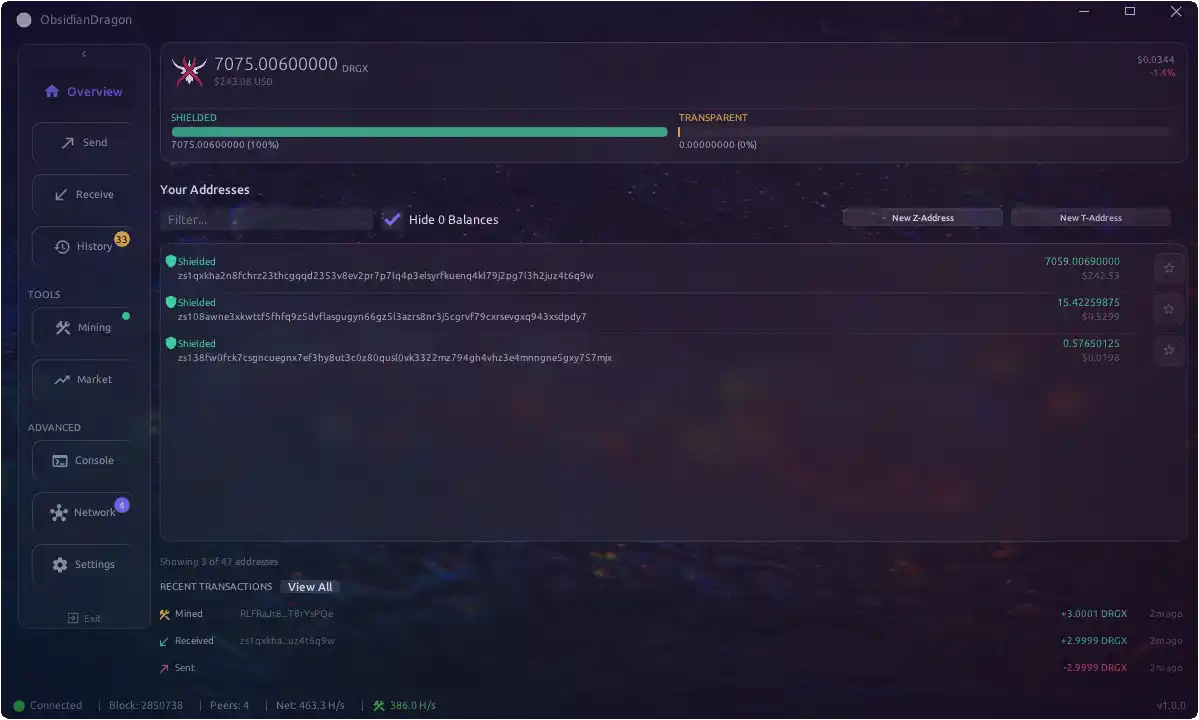
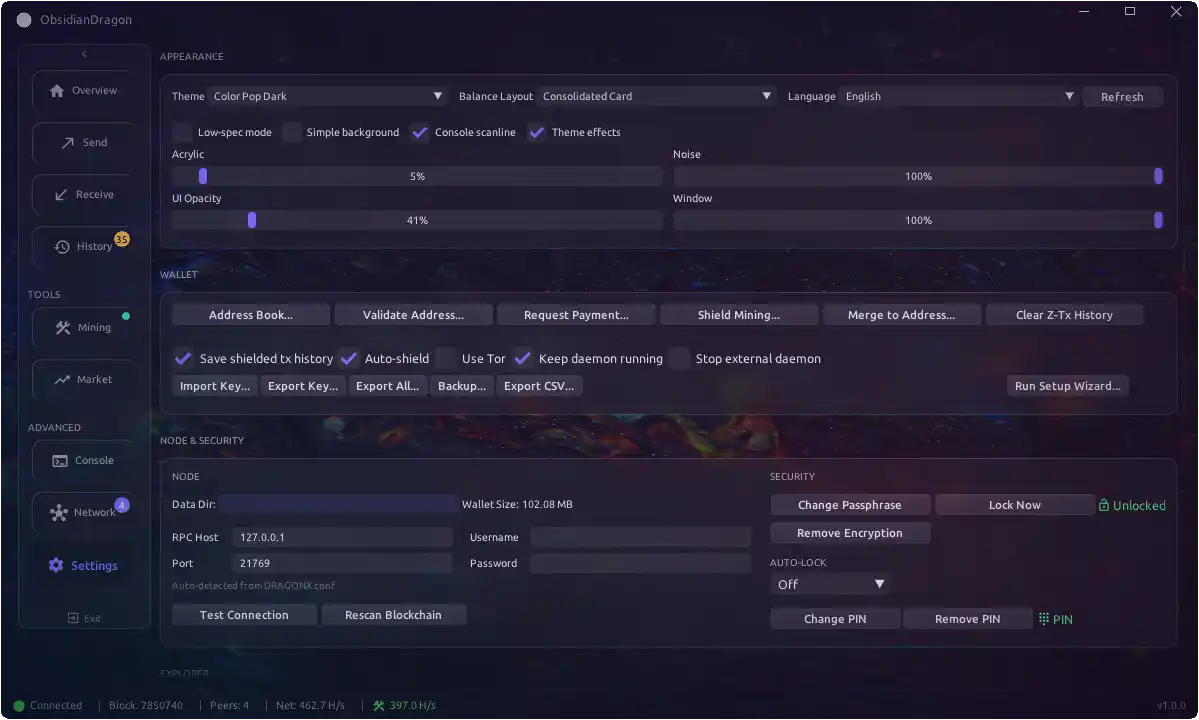
A lightweight, portable cryptocurrency wallet for DragonX (DRGX), built with Dear ImGui.


## Features
- **Full Node Support**: Connects to dragonxd for complete blockchain verification
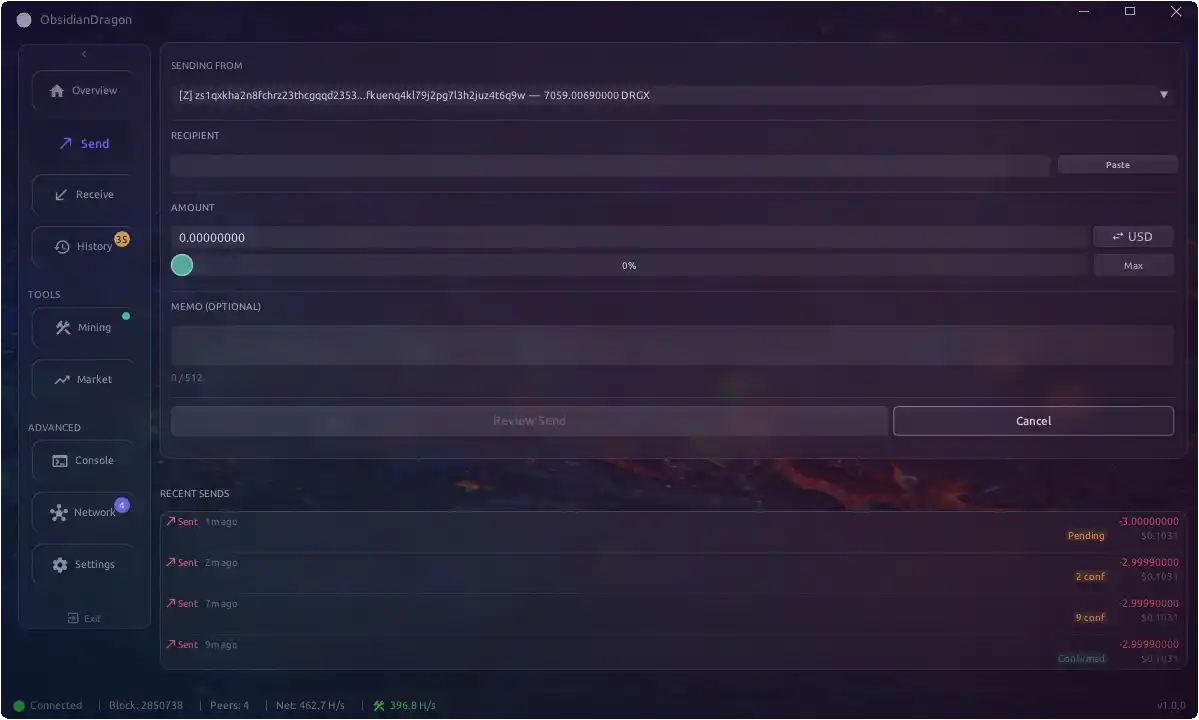
- **Shielded Transactions**: Full z-address support with encrypted memos
- **Integrated Mining**: CPU mining controls with hashrate monitoring
- **Market Data**: Real-time price charts from CoinGecko
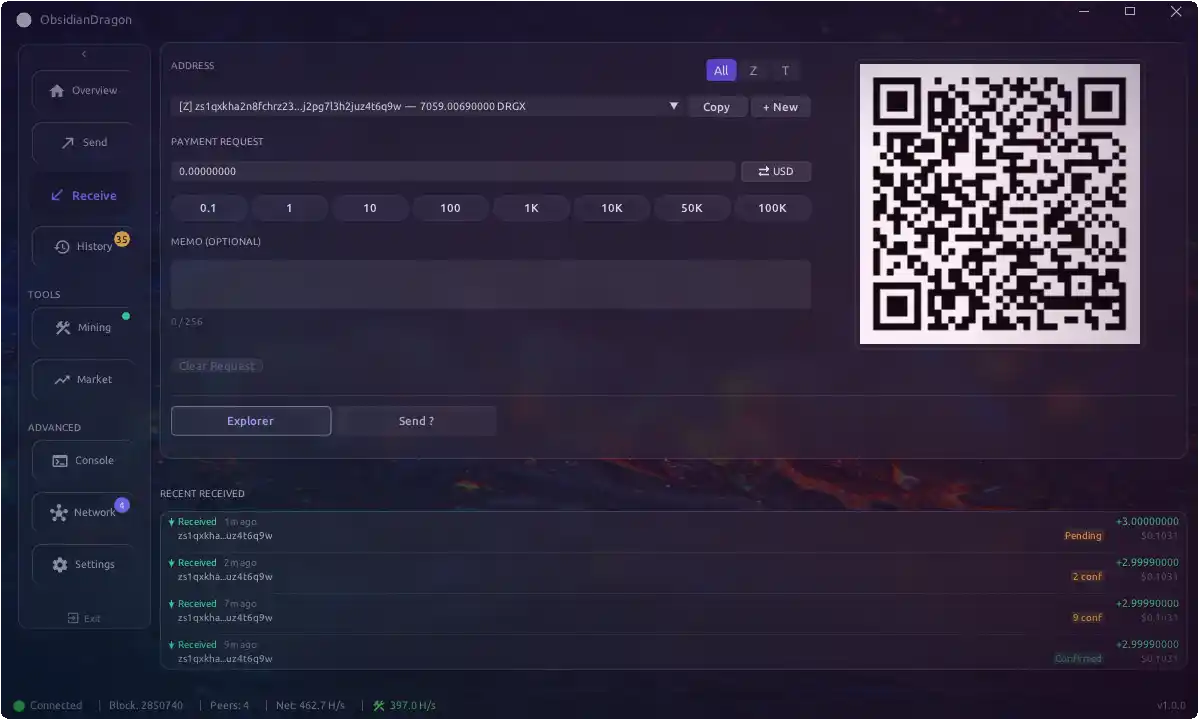
- **QR Codes**: Generate and display QR codes for receiving addresses
- **Multi-language**: i18n support (English, Spanish, more coming)
- **Lightweight**: ~5-10MB binary vs ~50MB+ for Qt version
- **Fast Builds**: Compiles in seconds, not minutes
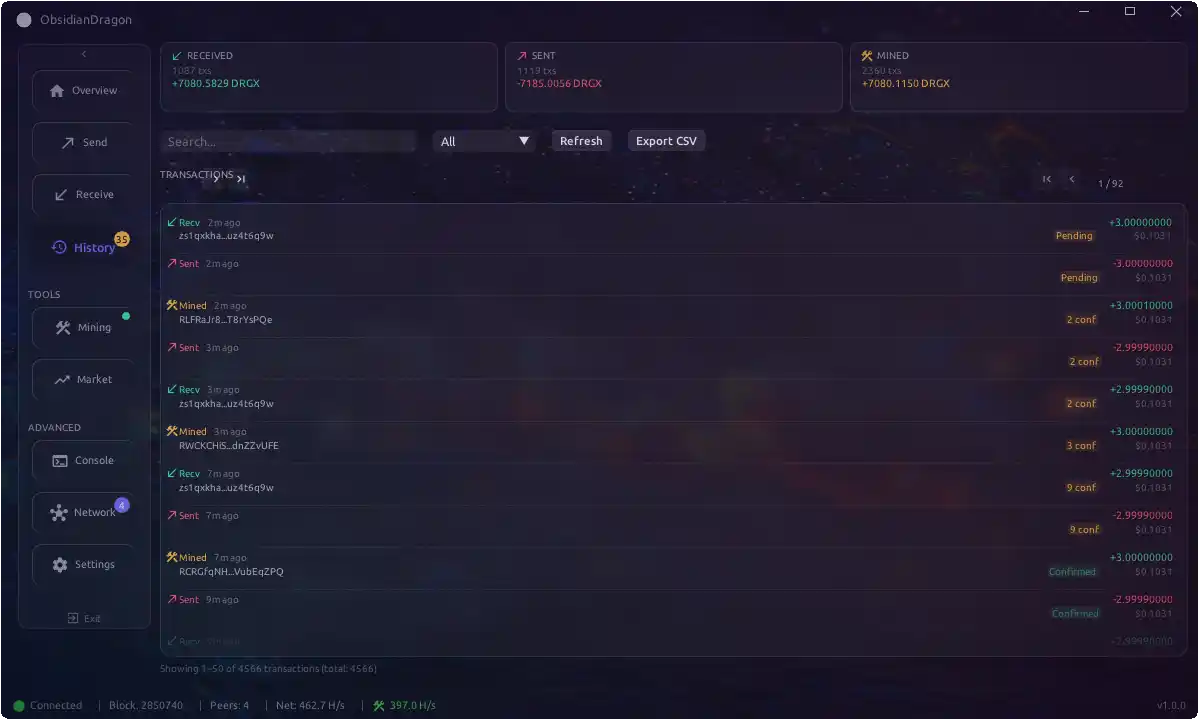
## Screenshots
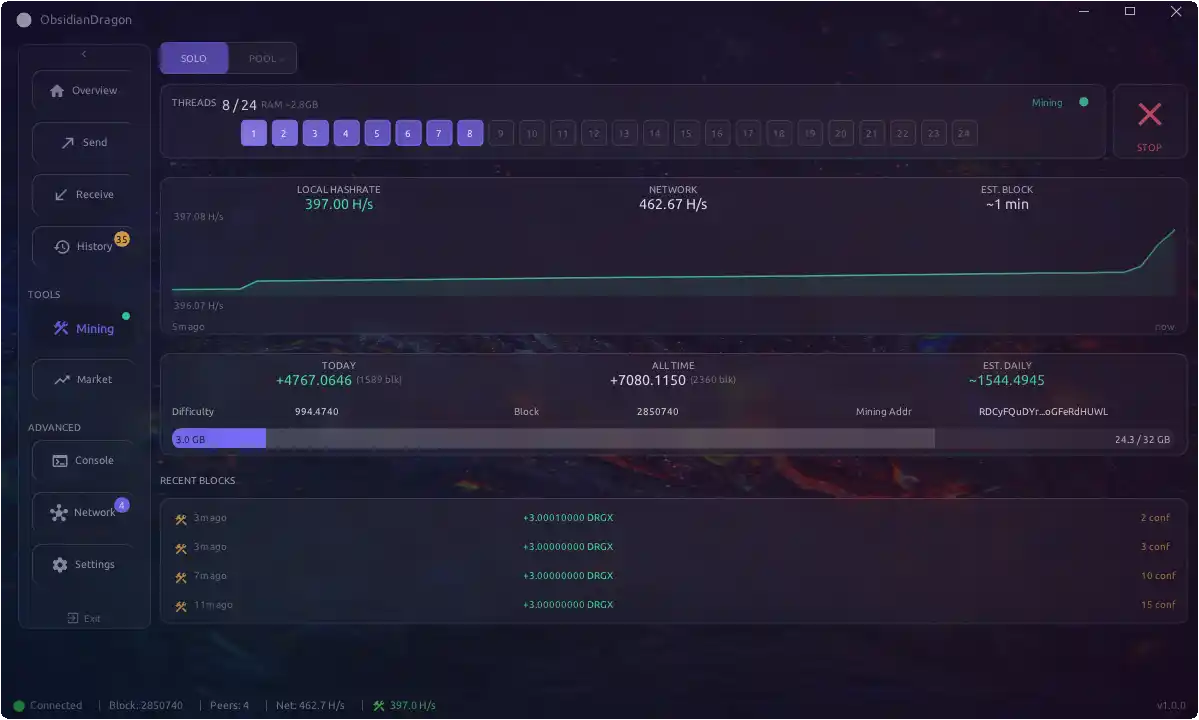
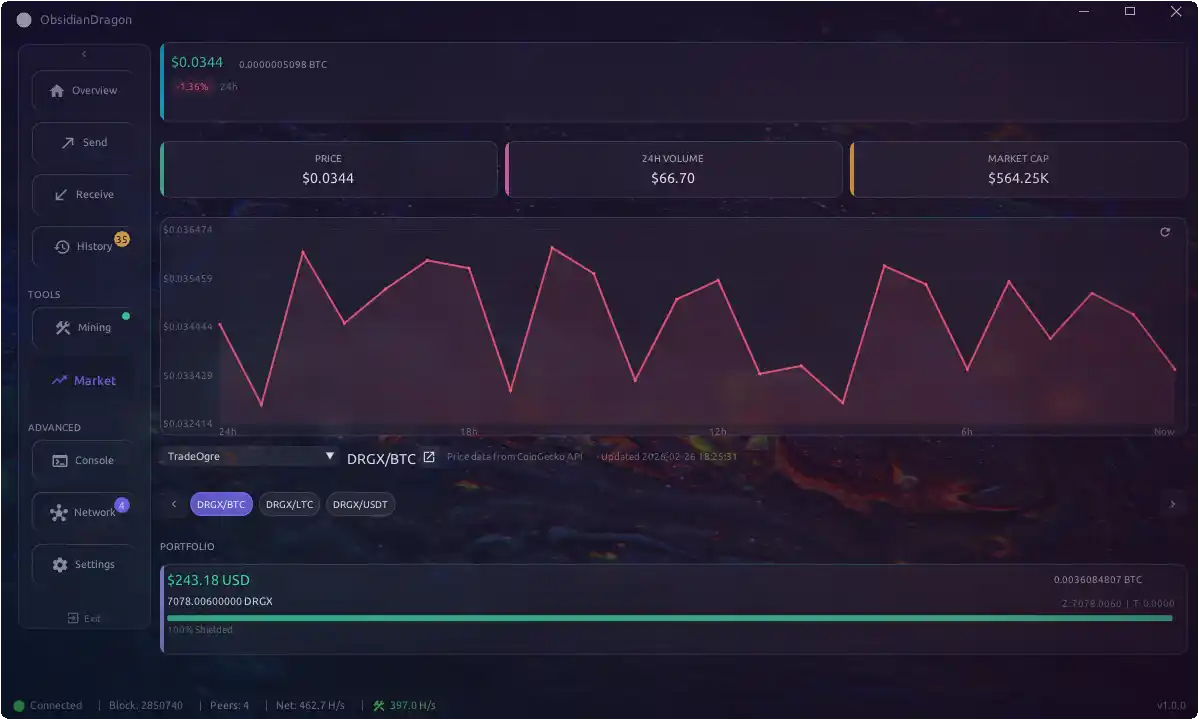
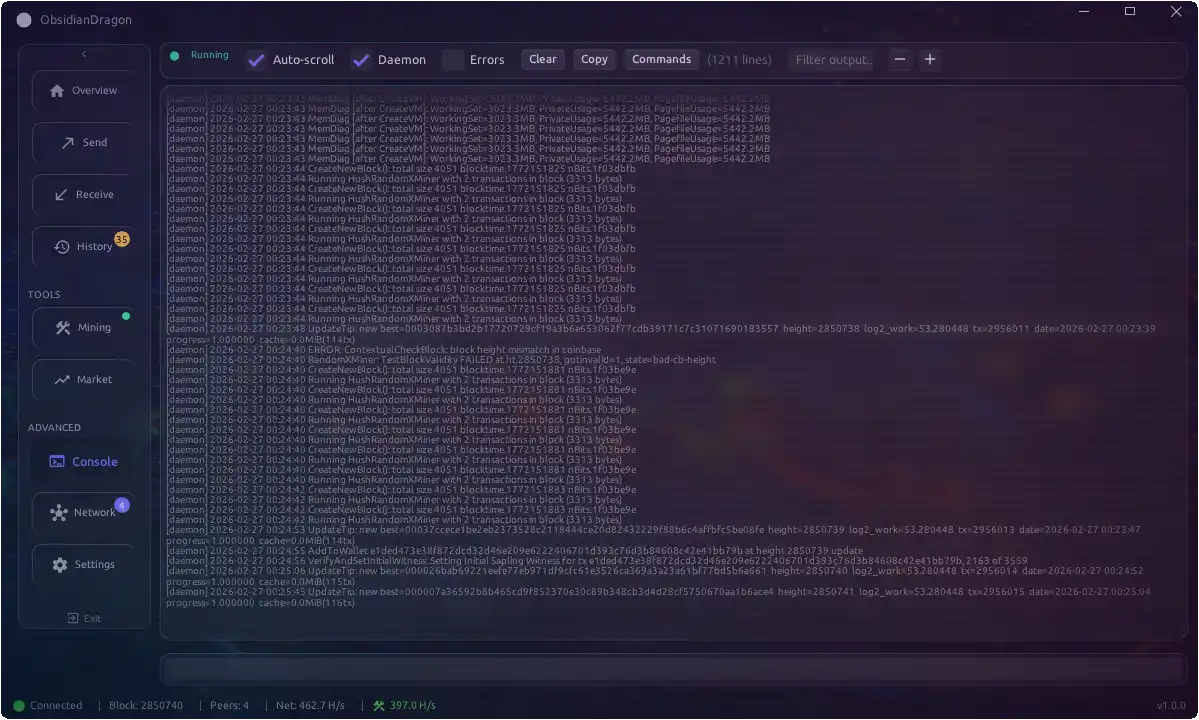
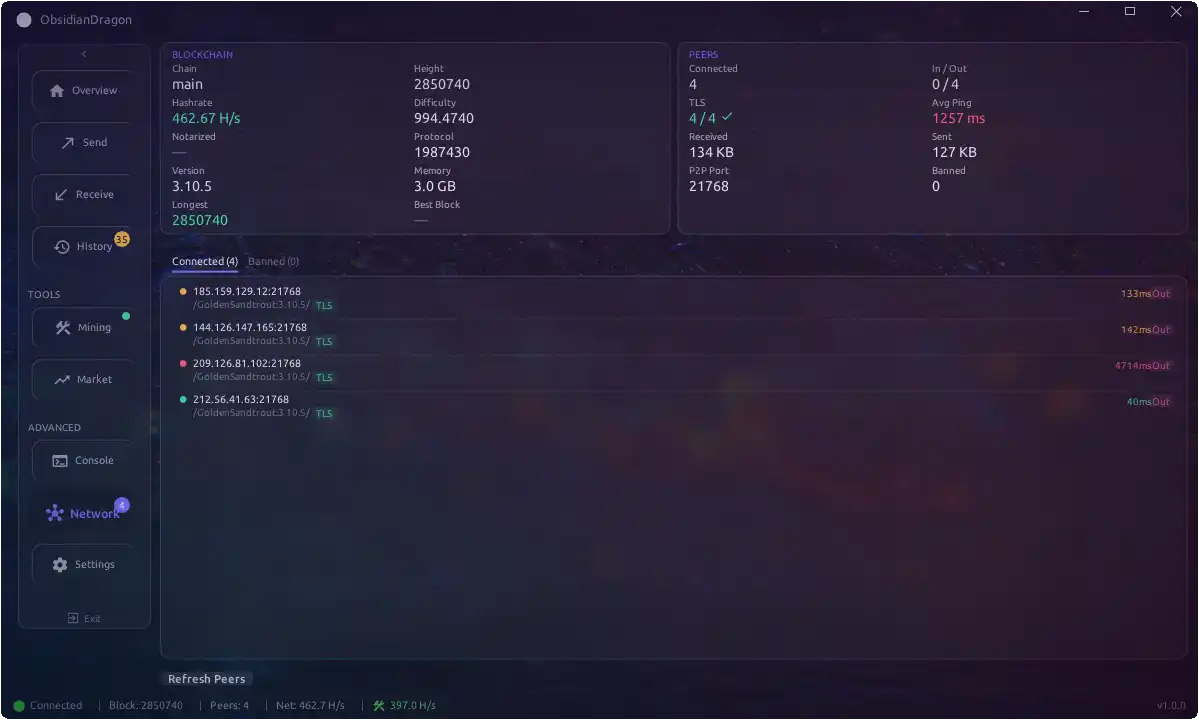
## Building
### Quick Setup
The setup script detects your OS, installs all build dependencies, and validates your environment:
```bash
./scripts/setup.sh # Install core build deps (interactive)
./scripts/setup.sh --check # Just report what's missing
./scripts/setup.sh --all # Core + Windows/macOS cross-compile + Sapling params
./scripts/setup.sh --win # Also install mingw-w64 + libsodium-win
```
### Manual Prerequisites
Click to expand manual install commands
**Linux (Ubuntu/Debian):**
```
sudo apt install build-essential cmake git pkg-config
sudo apt install libgl1-mesa-dev libx11-dev libxcursor-dev libxrandr-dev libxinerama-dev libxi-dev
sudo apt install libsodium-dev libcurl4-openssl-dev
```
**Linux (Arch):**
```
sudo pacman -S base-devel cmake git pkg-config mesa libx11 libxcursor libxrandr libxinerama libxi libsodium curl
```
**macOS:**
```
xcode-select --install
brew install cmake
```
**Windows:**
- Visual Studio 2019+ with C++ workload
- CMake 3.20+
### Binaries
Download linux and windows binaries of latest releases and place in binary directories:
**DragonX daemon** (https://git.hush.is/dragonx/hush3):
- prebuilt-binaries/dragonxd-linux/
- prebuilt-binaries/dragonxd-win/
- prebuilt-binaries/dragonxd-mac/
**xmrig HAC fork** (https://git.hush.is/dragonx/xmrig-hac):
- prebuilt-binaries/xmrig-hac/
## Build Steps
```
### Clone repository (if not already)
git clone https://git.hush.is/dragonx/ObsidianDragon.git
cd ObsidianDragon/
```
### Windows Build
```
./build.sh --win-release
```
### Release Build
```
./build.sh --linux-release # Linux release + AppImage
./build.sh --win-release # Windows cross-compile
./build.sh --mac-release # macOS .app bundle + DMG
./build.sh --clean --linux-release # Clean + Release
```
## Running
1. **Start dragonxd** (if not using embedded daemon):
```
dragonxd -daemon
```
2. **Run the wallet**:
```
cd build/bin
./ObsidianDragon
```
The wallet will automatically connect to the daemon using credentials from \`~/.hush/DRAGONX/DRAGONX.conf\`.
### Using Custom Node Binaries
The wallet checks its **own directory first** when looking for DragonX node binaries. This means you can test new or different branch builds of `hush-arrakis-chain`/`hushd` without waiting for a new wallet release:
1. Build or download the node binaries you want to test
2. Place them in the same directory as the wallet executable (e.g. `build/bin/`)
3. Launch the wallet — it will use the local binaries instead of the bundled ones
**Search order:**
1. Wallet executable directory (highest priority)
2. Embedded/extracted daemon (app data directory)
3. System-wide locations (`/usr/local/bin`, `~/hush3/src`, etc.)
This is useful for testing new branches or hotfixes to the node software before they are bundled into a wallet release.
## Configuration
Configuration is stored in \`~/.hush/DRAGONX/DRAGONX.conf\`:
```
rpcuser=your_rpc_user
rpcpassword=your_rpc_password
rpcport=21769
```
## Project Structure
\`\`\`
ObsidianDragon/
├── src/
│ ├── main.cpp # Entry point, SDL/ImGui setup
│ ├── app.cpp/h # Main application class
│ ├── wallet_state.h # Wallet data structures
│ ├── version.h # Version definitions
│ ├── ui/
│ │ ├── theme.cpp/h # DragonX theme
│ │ └── windows/ # UI tabs and dialogs
│ ├── rpc/
│ │ ├── rpc_client.cpp # JSON-RPC client
│ │ └── connection.cpp # Daemon connection
│ ├── config/
│ │ └── settings.cpp # Settings persistence
│ ├── util/
│ │ ├── i18n.cpp # Internationalization
│ │ └── ...
│ └── daemon/
│ └── embedded_daemon.cpp
├── res/
│ ├── fonts/ # Ubuntu font
│ └── lang/ # Translation files
├── libs/
│ └── qrcode/ # QR code generation
├── CMakeLists.txt
├── build-release.sh # Build script
└── create-appimage.sh # AppImage packaging
\`\`\`
## Dependencies
Fetched automatically by CMake (no manual install needed):
- **[SDL3](https://github.com/libsdl-org/SDL)** — Cross-platform windowing/input
- **[nlohmann/json](https://github.com/nlohmann/json)** — JSON parsing
- **[toml++](https://github.com/marzer/tomlplusplus)** — TOML parsing (UI schema/themes)
- **[libcurl](https://curl.se/libcurl/)** — HTTPS RPC transport (system on Linux, fetched on Windows)
Bundled in `libs/`:
- **[Dear ImGui](https://github.com/ocornut/imgui)** — Immediate mode GUI
- **[libsodium](https://libsodium.org)** — Cryptographic operations (fetched by `scripts/fetch-libsodium.sh`)
- **[QR-Code-generator](https://github.com/nayuki/QR-Code-generator)** — QR code rendering
- **[miniz](https://github.com/richgel999/miniz)** — ZIP compression
- **[GLAD](https://glad.dav1d.de/)** — OpenGL loader (Linux/macOS)
- **[stb_image](https://github.com/nothings/stb)** — Image loading
- **[incbin](https://github.com/graphitemaster/incbin)** — Binary resource embedding (Windows builds)
## Keyboard Shortcuts
| Shortcut | Action |
|----------|--------|
| Ctrl+, | Settings |
| F5 | Refresh |
| Alt+F4 | Exit |
## Translation
To add a new language:
1. Copy \`res/lang/es.json\` to \`res/lang/.json\`
2. Translate all strings
3. The language will appear in Settings automatically
## License
This project is licensed under the GNU General Public License v3 (GPLv3).
## Credits
- The Hush Developers
- DragonX Community
- [Dear ImGui](https://github.com/ocornut/imgui) by Omar Cornut
- [SDL](https://libsdl.org/) by Sam Lantinga
## Links
- Website: https://dragonx.is
- Explorer: https://explorer.dragonx.is
- Source: https://git.hush.is/dragonx/ObsidianDragon