
81 lines
3.0 KiB
Markdown
81 lines
3.0 KiB
Markdown
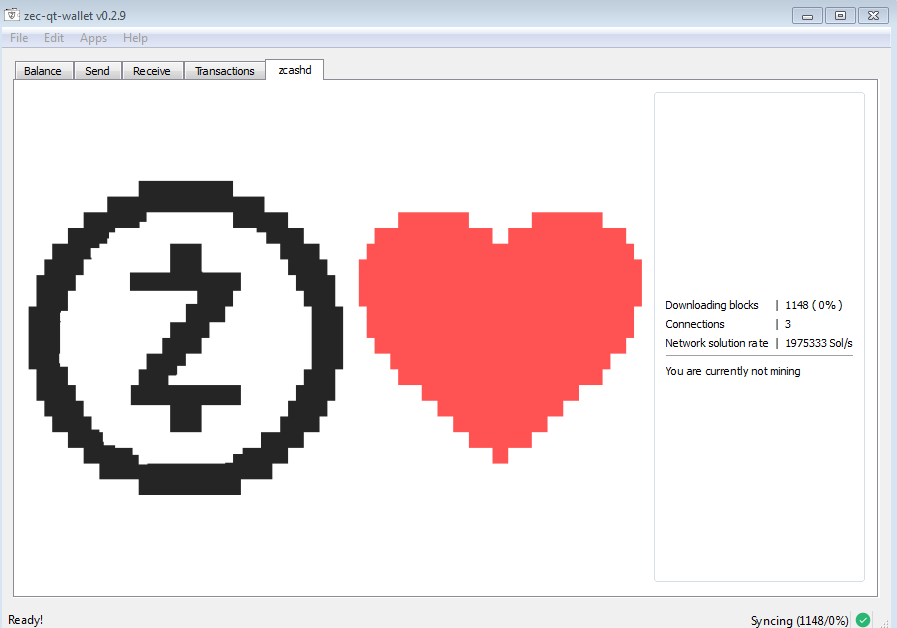
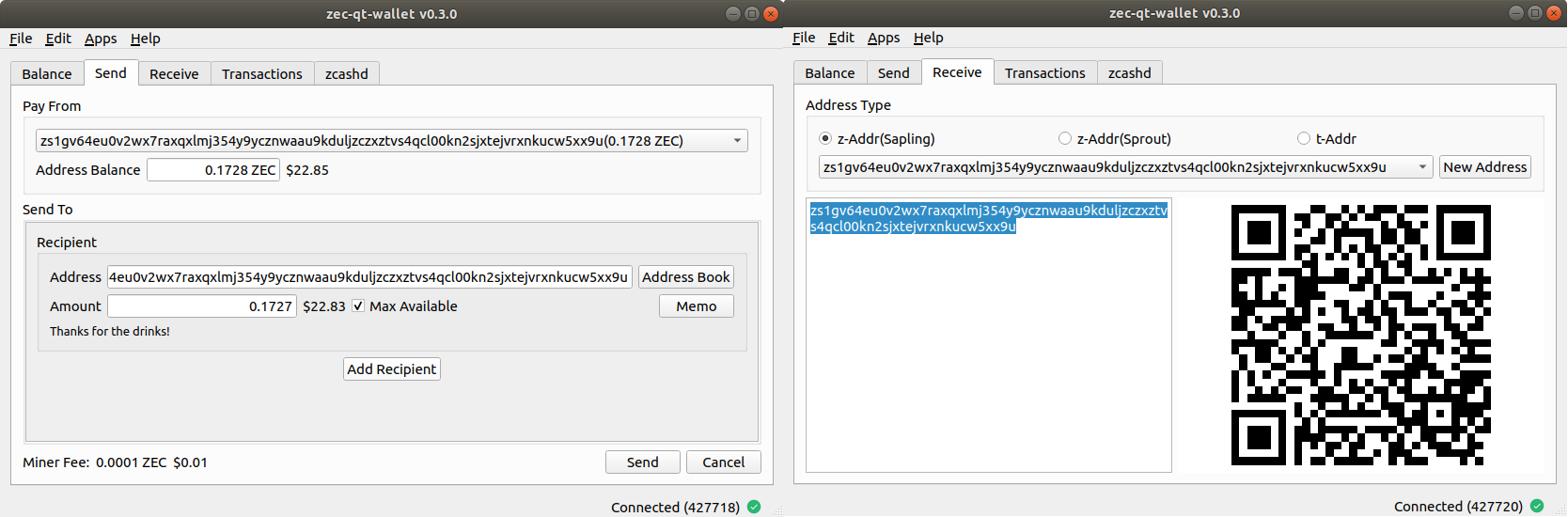
zec-qt-wallet is a z-Addr first, Sapling compatible wallet and full node for zcashd that runs on Windows and Linux
|
|
|
|
|
|
|
|
# Installation
|
|
|
|
Head over to the releases page and grab the latest binary. https://github.com/adityapk00/zec-qt-wallet/releases
|
|
|
|
### Linux
|
|
Extract and run the binary
|
|
```
|
|
tar -xvf zec-qt-wallet-v0.3.2.tar.gz
|
|
./zec-qt-wallet-v0.3.2/zec-qt-wallet
|
|
```
|
|
|
|
### Windows
|
|
Unzip the release binary and double click on zec-qt-wallet to start.
|
|
|
|
## zcashd
|
|
zec-qt-wallet needs a Zcash node running zcashd. If you already have a zcashd node running, zec-qt-wallet will connect to it.
|
|
|
|
If you don't have one, zec-qt-wallet will start its embedded zcashd node.
|
|
|
|
Additionally, if this is the first time you're running zec-qt-wallet or a zcashd daemon, zec-qt-wallet will download the zcash params (~1.7 GB) and configure `zcash.conf` for you.
|
|
|
|
Pass `--no-embedded` to disable the embedded zcashd and force zec-qt-wallet to connect to an external node.
|
|
|
|
## Compiling from source
|
|
zec-qt-wallet is written in C++ 14, and can be compiled with g++/clang++/visual c++. It also depends on Qt5, which you can get from here: https://www.qt.io/download
|
|
|
|
### Compiling on Linux
|
|
|
|
```
|
|
sudo apt install libgl1-mesa-dev
|
|
|
|
git clone https://github.com/adityapk00/zec-qt-wallet.git
|
|
cd zec-qt-wallet
|
|
/path/to/qt5/bin/qmake zec-qt-wallet.pro CONFIG+=debug
|
|
make -j$(nproc)
|
|
|
|
./zec-qt-wallet
|
|
```
|
|
|
|
### Compiling on Windows
|
|
You need Visual Studio 2017 (The free C++ Community Edition works just fine).
|
|
|
|
From the VS Tools command prompt
|
|
```
|
|
git clone https://github.com/adityapk00/zec-qt-wallet.git
|
|
cd zec-qt-wallet
|
|
c:\Qt5\bin\qmake.exe zec-qt-wallet.pro -spec win32-msvc CONFIG+=debug
|
|
nmake
|
|
|
|
debug\zec-qt-wallet.exe
|
|
```
|
|
|
|
To create the Visual Studio project files so you can compile and run from Visual Studio:
|
|
```
|
|
c:\Qt5\bin\qmake.exe zec-qt-wallet.pro -tp vc CONFIG+=debug
|
|
```
|
|
|
|
## Troubleshooting FAQ
|
|
### 1. "Connection Error"
|
|
|
|
Normally, zec-qt-wallet can pick up the rpcuser/rpcpassword from zcash.conf. If it doesn't for some reason, you can set the username/password in the File->Settings menu.
|
|
If you are connecting to a remote node, make sure that zcashd on the remote machine is accepting connections from your machine. The target machine's firewall needs to allow connections
|
|
from your host and also zcashd is set to be configured to accept connections from this host.
|
|
|
|
The easiest way to connect to a remote node is probably to ssh to it with port forwarding like this:
|
|
```
|
|
ssh -L8232:127.0.0.1:8232 user@remotehost
|
|
```
|
|
### 2. "Not enough balance" when sending transactions
|
|
The most likely cause for this is that you are trying to spend unconfirmed funds. Unlike Bitcoin, the Zcash protocol doesn't let you spent unconfirmed funds yet. Please wait for
|
|
1-2 blocks for the funds to confirm and retry the transaction.
|
|
|
|
### Support or other questions
|
|
Tweet at [@zecqtwallet](https://twitter.com/zecqtwallet) for help.
|
|
|
|
_PS: zec-qt-wallet is NOT an official wallet, and is not affiliated with the Zerocoin Electric Coin Company in any way._
|