 earthorbit
e7b08612fa
earthorbit
e7b08612fa
* add css (qss)

* Include css

* Merge pull request #6 from Fair-Exchange/css

Css

* fix

* beta blue

* fix

* YellowFevers UI work

* Merge pull request #7 from Fair-Exchange/css

Css - YellowFevers UI work

* Update mainwindow.cpp

* Update mainwindow.ui

* Merge pull request #6 from OleksandrBlack/css

move Tx list to balance tab

* Ease of use

General usability improvements

* Delete main.css

* style for tab

* Merge pull request #7 from YellowFeveRs/UI-work

General UI improvements

* updated tab styling

* Merge pull request #8 from Fair-Exchange/css

Css

* fix

* fix for Windows

* fix for Windows

* fix

* Merge pull request #10 from Fair-Exchange/master

Merge pull request #4 from OleksandrBlack/master

* Merge pull request #10 from Fair-Exchange/master

Merge pull request #4 from OleksandrBlack/master

* Merge pull request #11 from OleksandrBlack/css

Css

* Merge pull request #12 from OleksandrBlack/style

blue prepare

* revert

* Update zec_qt_wallet_zh.ts

* Update zec_qt_wallet_es.ts

* Update zec_qt_wallet_fr.ts

* Update zec_qt_wallet_it.ts

* Update zec_qt_wallet_pt.ts

* Update json.hpp

* Update json.hpp

* Update about.ui

* Update mainwindow.ui

* Update connection.ui

* Update connection.cpp

* Update connection.cpp

* Update application.qrc

* Update mainwindow.cpp

* Update settings.ui
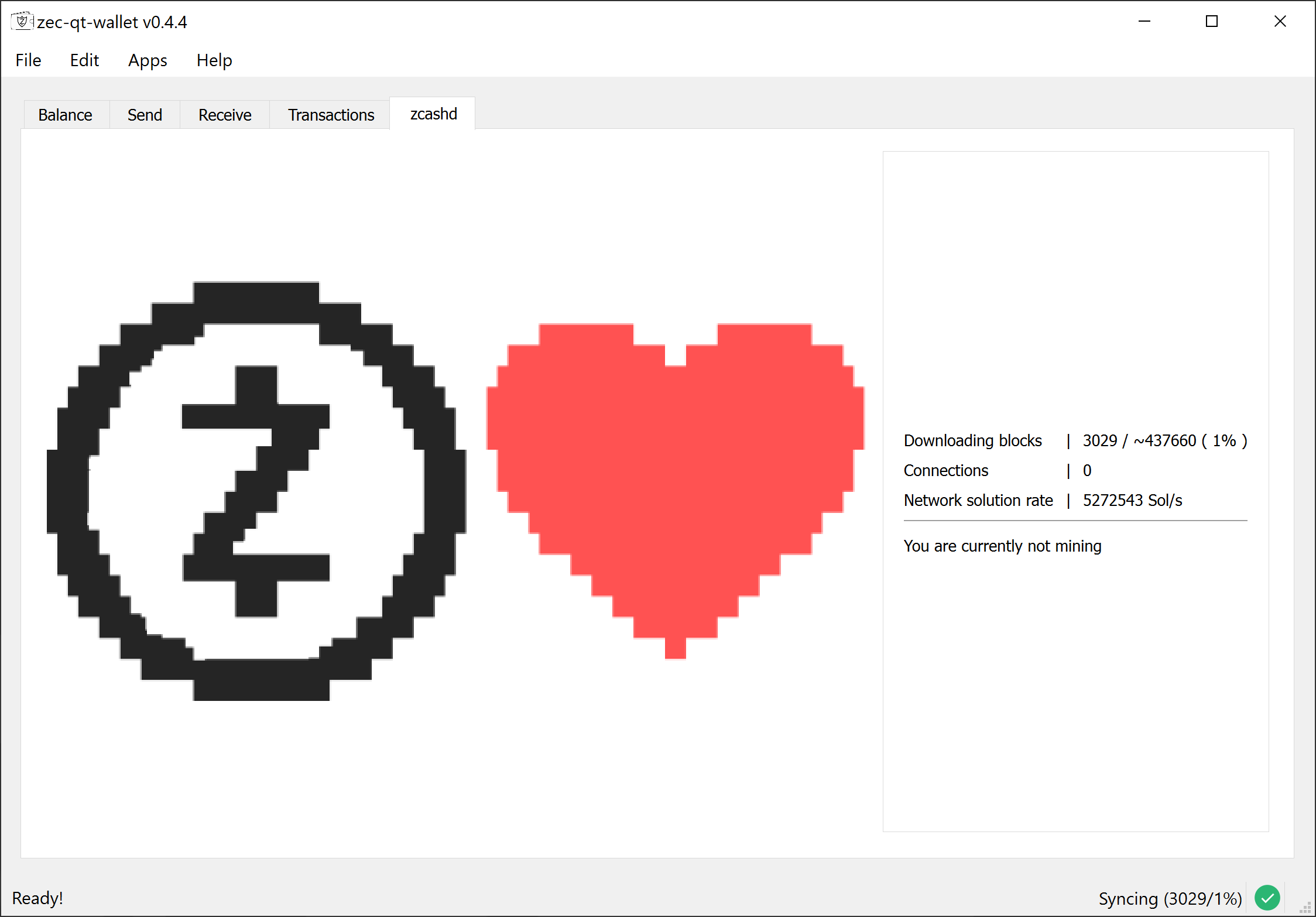
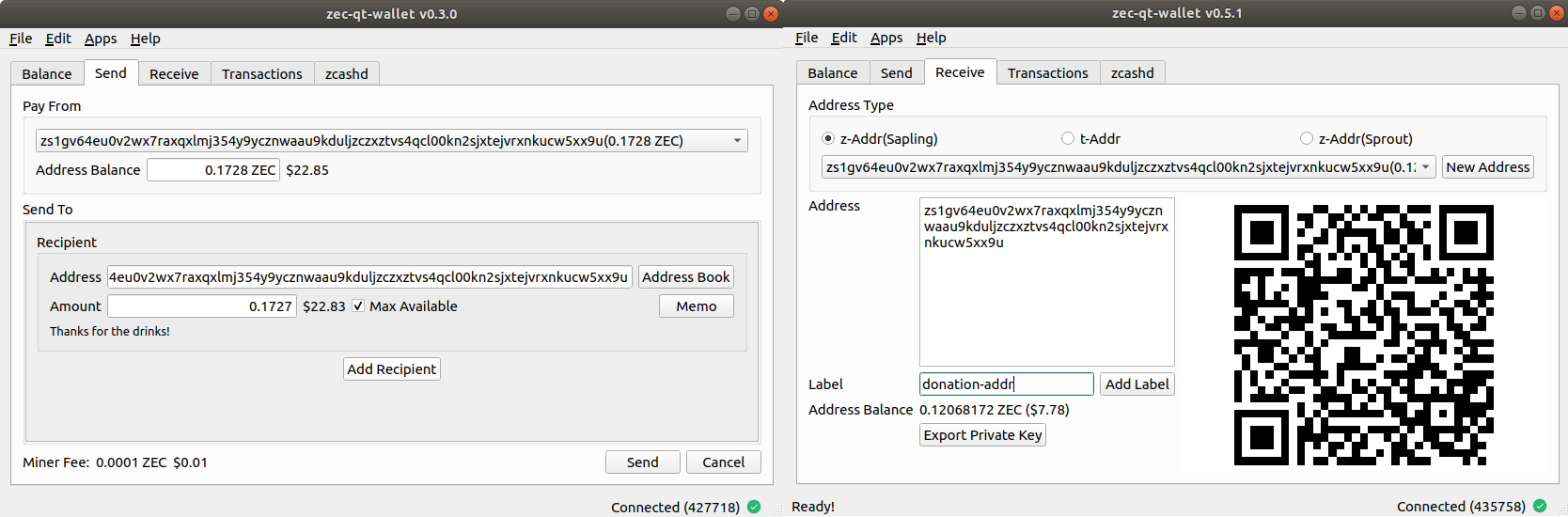
ZecWallet is a z-Addr first, Sapling compatible wallet and full node for zcashd that runs on Linux, Windows and macOS.
Installation
Head over to the releases page and grab the latest installers or binary. https://github.com/ZcashFoundation/zecwallet/releases
Linux
If you are on Debian/Ubuntu, please download the .deb package and install it.
sudo dpkg -i linux-deb-zecwallet-v0.7.6.deb
sudo apt install -f
Or you can download and run the binaries directly.
tar -xvf zecwallet-v0.7.6.tar.gz
./zecwallet-v0.7.6/zecwallet
Windows
Download and run the .msi installer and follow the prompts. Alternately, you can download the release binary, unzip it and double click on zecwallet.exe to start.
macOS
Double-click on the .dmg file to open it, and drag zecwallet on to the Applications link to install.
zcashd
ZecWallet needs a Zcash node running zcashd. If you already have a zcashd node running, ZecWallet will connect to it.
If you don't have one, ZecWallet will start its embedded zcashd node.
Additionally, if this is the first time you're running ZecWallet or a zcashd daemon, ZecWallet will download the zcash params (~1.7 GB) and configure zcash.conf for you.
Pass --no-embedded to disable the embedded zcashd and force ZecWallet to connect to an external node.
Compiling from source
ZecWallet is written in C++ 14, and can be compiled with g++/clang++/visual c++. It also depends on Qt5, which you can get from here. Note that if you are compiling from source, you won't get the embedded zcashd by default. You can either run an external zcashd, or compile zcashd as well.
See detailed build instructions on the wiki
Building on Linux
git clone https://github.com/ZcashFoundation/zecwallet.git
cd zecwallet
/path/to/qt5/bin/qmake zec-qt-wallet.pro CONFIG+=debug
make -j$(nproc)

./zecwallet
Building on Windows
You need Visual Studio 2017 (The free C++ Community Edition works just fine).
From the VS Tools command prompt
git clone  https://github.com/ZcashFoundation/zecwallet.git
cd zecwallet
c:\Qt5\bin\qmake.exe zec-qt-wallet.pro -spec win32-msvc CONFIG+=debug
nmake

debug\zecwallet.exe
To create the Visual Studio project files so you can compile and run from Visual Studio:
c:\Qt5\bin\qmake.exe zec-qt-wallet.pro -tp vc CONFIG+=debug
Building on macOS
You need to install the Xcode app or the Xcode command line tools first, and then install Qt.
git clone https://github.com/ZcashFoundation/zecwallet.git
cd zecwallet
/path/to/qt5/bin/qmake zec-qt-wallet.pro CONFIG+=debug
make

./zecwallet.app/Contents/MacOS/zecwallet
Troubleshooting Guide & FAQ
Please read the troubleshooting guide for common problems and solutions. For support or other questions, tweet at @zecwallet or file an issue.
PS: ZecWallet is NOT an official wallet, and is not affiliated with the Electric Coin Company in any way.